
How mawar11 Recently Played Organizes Your Game History
When you log into mawar11, your Recently Played list appears in reverse chronological order—newest sessions first. Each entry shows the game name, date, time, and game type (live blackjack, roulette, Dragon Tiger, Aviator, or sportsbook). Clicking an entry opens details: table studio, bet size, result, and payout status if applicable.
Our platform groups games by category. Live-dealer tables (blackjack, roulette, baccarat, Dragon Tiger) sit in one section. Slots (Sweet Bonanza, Gates of Olympus, Fortune Tiger, Mahjong Ways) appear separately. Sportsbook entries (Liga 1, Piala AFF, Champions League, MotoGP, badminton, esports like Mobile Legends and Free Fire) cluster together. This organization helps you find past sessions quickly without scrolling through unrelated game types.


Live-Dealer Tables in Your History
When you play live blackjack, roulette, or baccarat on mawar11, each session logs automatically. Your Recently Played entry records the studio name, dealer, table limits, and your bet history for that session. If you played multiple hands at the same table, we show the aggregate: total hands, total wagered, and net result. This helps you see at a glance how long you played and what the session outcome was.
Our live-dealer studios operate from professional facilities. We stream blackjack, roulette, baccarat, and Dragon Tiger with multi-camera feeds. Your Recently Played history includes the exact time you joined, the dealer's name, and the table's betting range. If you stepped away mid-session and returned later, mawar11 logs both visits as separate entries so you can track when you played.
Slots and Instant Games
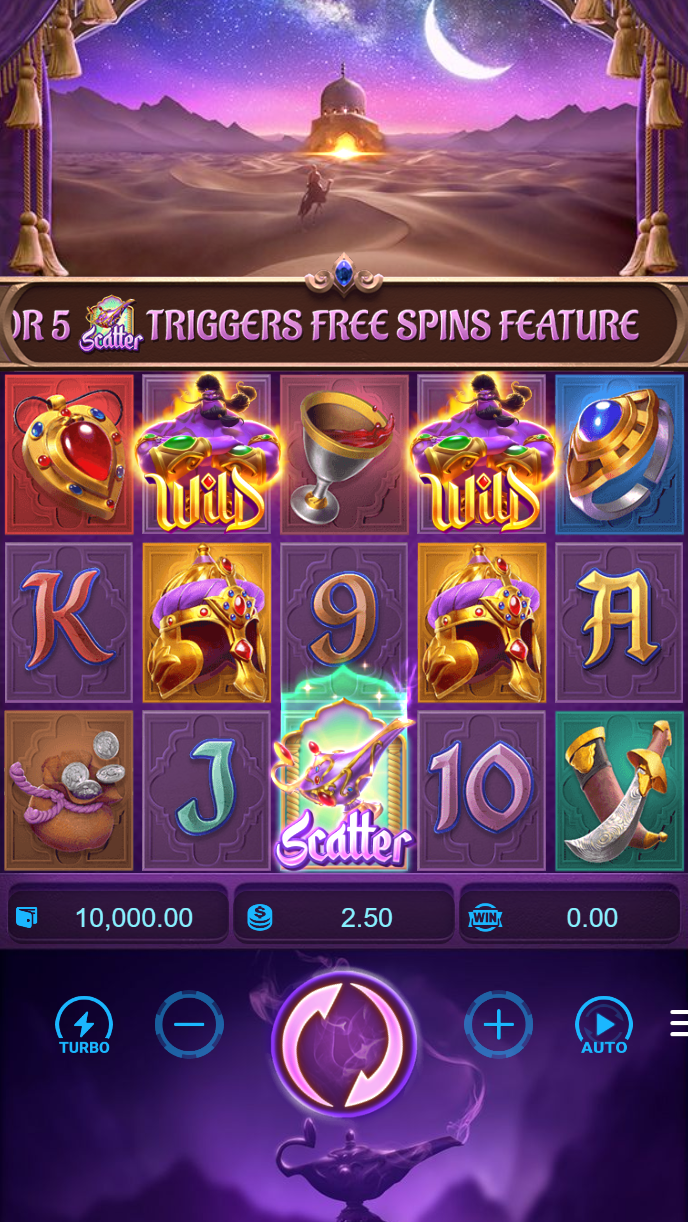
Slot games like Aviator, Sweet Bonanza, Gates of Olympus, Fortune Tiger, and Mahjong Ways appear in Recently Played with spin counts and session duration. We record your total bet per session and the final balance change. Unlike live tables, slots do not show individual spin details—only the session summary. This keeps your history clean and easy to scan.
Instant games (quick-play formats) also log in Recently Played. You see the game name, play date, and outcome. Our mobile app loads slots with low-data streaming, so your history syncs even on slower connections. Withdrawals from slot winnings follow the same verification process as live-dealer payouts.
Your Recently Played history is your personal record. We keep it private, encrypted, and always accessible from any device where you log into mawar11.
Sportsbook Bets and Match Slips
Sportsbook entries in Recently Played show your match slips, league, teams, odds, and bet status. We record Liga 1, Piala AFF, Champions League, Premier League, MotoGP, badminton, and esports markets (Mobile Legends, Free Fire, PUBG Mobile). Each slip entry displays the bet type (match winner, total goals, Asian handicap, etc.), stake, and settlement status.
When a match settles, mawar11 updates your Recently Played entry with the result and payout. Unsettled bets show a pending status. You can review past slips to understand your betting patterns across tournaments and seasons. This is especially useful during high-volume periods like Idul Fitri, Idul Adha, and the Liga 1 season.

Filtering and Exporting Your History
mawar11 lets you filter Recently Played by date range, game type, and outcome (win / loss / pending). You can narrow results to show only live-dealer sessions from the past week, or all sportsbook bets from the past month. This filtering is useful if you want to review a specific tournament (Piala Indonesia, Piala AFF) or a particular game (roulette, Aviator).
We do not offer automated export to CSV or PDF, but you can screenshot individual entries or scroll through your full history on-screen. Account statements for tax or personal record purposes are available through our support team. Contact us in English or Indonesian via the help section in your account.
Key takeaways
- Recently Played logs all live-dealer, slot, and sportsbook sessions automatically
- Filter by date, game type, and outcome to find specific sessions quickly
- History syncs across desktop and mobile; low-data mode keeps it accessible
- All data is encrypted and private to your mawar11 account
- Use your history to track patterns and manage your account activity
Account Verification and Withdrawal Tracking
Your Recently Played history includes withdrawal requests and their status. When you request a payout via DANA, e-wallet, mobile banking, local payment, online payment, e-wallet, or bank transfer, mawar11 logs the transaction in your history. You see the amount, payment method, request date, and settlement status (pending, approved, or completed).
Account verification is required before your first withdrawal. We ask for identity documents (KTP or passport), proof of address, and payment method confirmation. This process typically completes within standard verification windows. Once verified, future withdrawals process faster. Your Recently Played history shows all verification steps and withdrawal attempts, so you always know where your request stands.
If a withdrawal is delayed or rejected, mawar11 notifies you via email and in-app message. Your Recently Played entry explains the reason (e.g., document mismatch, payment method issue). Our support team in English and Indonesian can help resolve verification blocks or payment problems.